

Before adding another article, check what the website already explains. Useful material can become difficult to find, service information can drift out of date and several pages can gradually start answering the same question.
A content audit reviews those pages and the decisions they help people make. Its value lies in choosing the next useful action, rather than producing an inventory nobody uses.
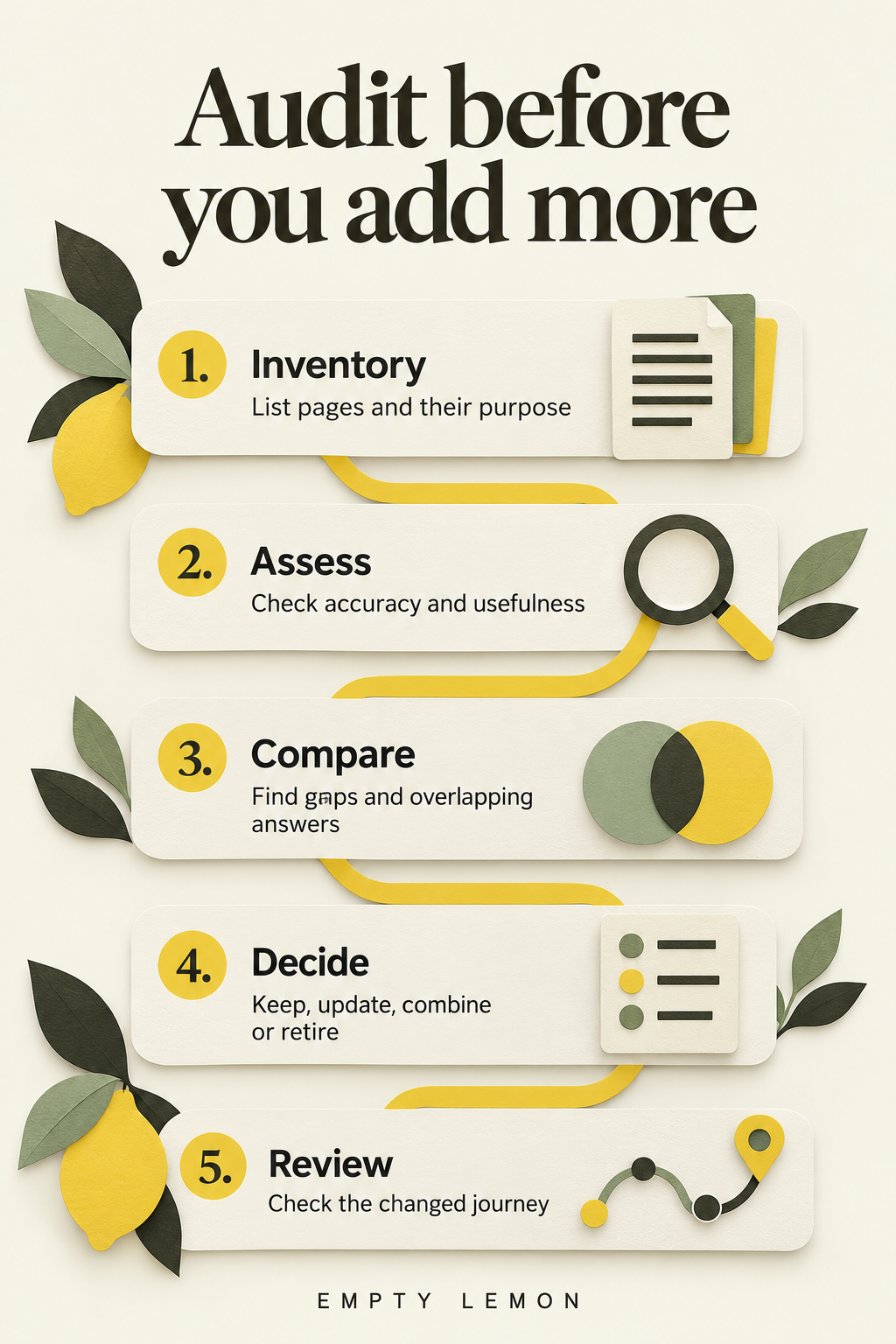
Start with a manageable inventory
List the main service pages and articles relevant to the current business priority. Record the title, URL, audience, purpose, owner and last meaningful review date.
Where suitable information is available, note visits, search queries and enquiry actions, including the period and definitions. A page with few visits may still serve an important customer task. Traffic should not be the only measure of usefulness.
For a large site, begin with one section you can assess properly. A completed review of a smaller area gives the team something it can act on.
Check each page against its purpose
Read it as someone unfamiliar with the business. What question should it answer? Does it explain enough to support the decision? Are practical details and limitations easy to find?
A fictional consultancy might discover that its service page names an offer without explaining who it suits or how work begins. Improving that explanation may take priority over another general industry article.
See what a service page should explain for a focused checklist.
Verify the facts and evidence
Check roles, processes, dates, examples and source links. Identify claims that lack support or no longer reflect the offer. Ask the relevant specialist to verify details requiring their knowledge.
Record what needs changing and who can confirm it. Altering a date alone does not improve an explanation. Check images and links too: a useful guide can still frustrate someone if its diagram is unreadable on a phone or its next step is broken.
Compare related answers
Group pages by the questions they serve. Different titles can conceal duplicated material, while similar wording may describe genuinely different tasks.
An older briefing guide and newer preparation checklist could share sections. If they serve different decisions, clarify the distinction and connect them. If they do not, consider whether one stronger resource would be more useful.
Look for unanswered questions as well. The review should reveal missing explanations rather than merely count existing pages.
Choose an action
- Keep: Accurate, useful and clearly purposeful.
- Update: A sound purpose with facts or explanation needing work.
- Combine: Overlap that could become one stronger resource.
- Retire: No continuing purpose, after checking dependencies.
Before removing or moving a URL, check links, downloads, customer communications and appropriate search data. Plan how visitors will reach a relevant answer afterwards. Ask whoever manages the website to handle routing changes and verify them.
Finish with specific tasks
Prioritise important errors and recurring obstacles. Give each change an owner and a review point. Naming the missing explanation is more actionable than asking someone to improve content.
Test the changed journey and revisit customer questions. Keep the inventory as a maintenance record. If your website has grown without a clear content structure, contact Empty Lemon about reviewing what to improve before commissioning more.